이 사운드에 대하여

A cinematic slow motion sound effect that speeds up into a fast whoosh, commonly used in edits, reveals and dramatic timing changes.

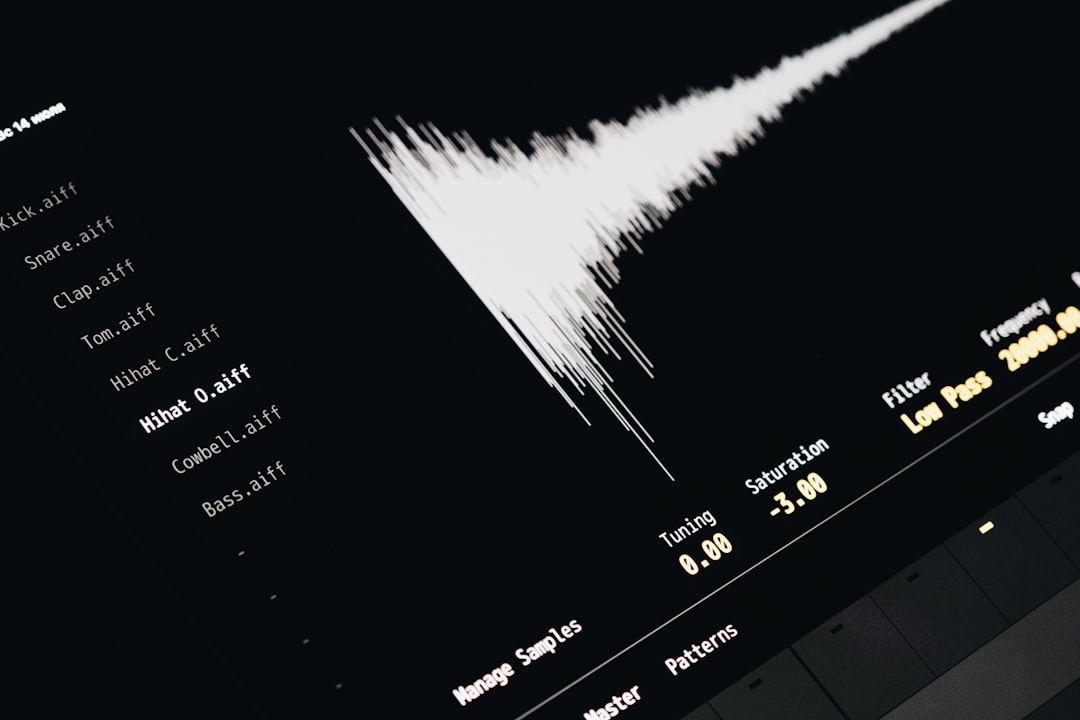
This clip is a short cinematic transition that starts with a stretched, slowed-down motion effect and ramps into a quicker, sharper finish. It has the kind of rising, elastic sound editors use to make a moment feel suspended before snapping back to normal speed. Viewers usually read it as a cue that something important, funny or overdramatic is happening on screen. Because it moves from slow to fast in one hit, it works well for punch-ins, fake epic moments, action reveals and sudden changes in pace.

This sound is best understood as a creator-made editing effect rather than a quote or character clip. Sounds like this became common across short-form video editing, where slow-motion ramps and fast whooshes help exaggerate suspense, impact and comedic timing. It is still widely used because one clip can cover both parts of an edit: the dragged-out buildup and the snap back into speed. You will often hear it in meme compilations, gameplay highlights, sports edits and dramatic reveal videos that want a polished cinematic feel.

사용을 위한 전문가 팁

Place the slow section right as the visual speed drops, then cut to the fast tail on the exact frame of impact, reveal or zoom. It works best with slow-motion clips, not under dialogue-heavy scenes where the ramp can muddy speech.

사용 사례

  • Highlighting a slow-motion fail before the payoff lands.
  • Adding drama to a sports replay or impact shot.
  • Timing a zoom-in reveal on a funny face.
  • Selling a before-and-after transition in short edits.

자주 묻는 질문

What is this slow motion to fast sound effect?
It is a short editing sound that begins with a slowed, stretched motion feel and then accelerates into a faster whoosh. Creators use it to underline slow-motion visuals, dramatic reveals or a sudden return to normal speed.
Where is this sound usually used?
It is commonly used in short-form videos, meme edits, sports clips, gaming highlights and cinematic transitions. Editors place it over slow-motion moments, zooms, impacts or reveals to make the timing feel more dramatic and intentional.
How do I edit with this sound without overdoing it?
Use it on a single key beat, such as a replay impact, face reveal or joke payoff, and line the fast end up with the exact visual change. If you stack it over too many cuts, the effect loses its punch and feels messy.

가장 인기 있는

모두 보기