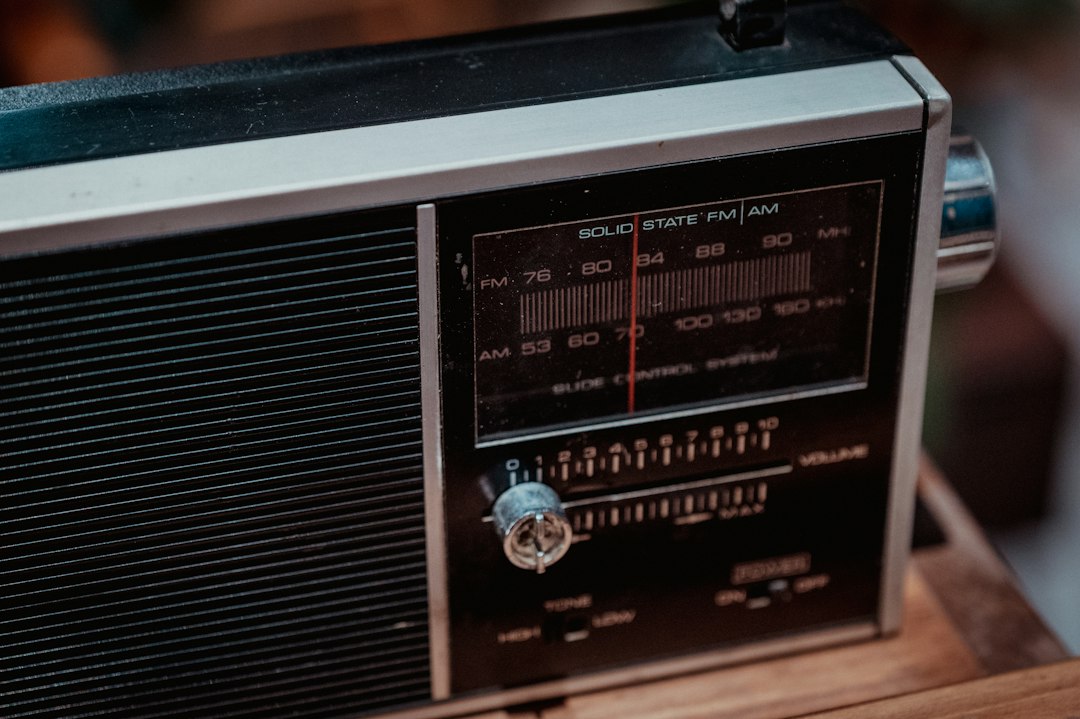




A short walkie talkie scanner tone, the sharp chirp heard when a radio is keyed up, used in edits and memes to signal a call or incoming message.
This is the brief, high-pitched chirp that plays when a walkie talkie is switched on or a channel is opened, lasting less than a quarter of a second. It starts abruptly, rises sharply, and cuts off cleanly, like a tiny electronic blip signalling that someone is about to speak. Despite its brevity, it instantly sets a scene of radio communication, surveillance, or a secret operation, making a clip feel urgent and connected. Used on its own, it works as a quick audio cue that grabs attention without distracting from the action on screen.
Walkie talkie tones are generic radio sound effects rather than a clip from a single show or film, which is why the same sharp chirp appears in police, military and spy scenes across media. Online, creators adopted it as a shorthand for instant communication, dropping the brief beep into edits, gaming videos and memes whenever a call, alert or team message needs to land fast. Its tiny length makes it easy to place without covering dialogue, and its familiar radio association means viewers understand the joke or cue immediately, keeping it in regular use for short-form content.
사용을 위한 전문가 팁
Place the chirp a split second before a character speaks into a radio or a message appears, and layer it under a low radio crackle for realism. Keep the volume low and do not loop it, since repeating such a sharp, short tone becomes irritating.
사용 사례
Signal a character picking up a walkie talkie in a skit.
Mark the start of a secret mission in a short video.
Cue an incoming radio message during a gaming montage.
Punctuate a police scanner joke in a meme edit.
자주 묻는 질문
What is the walkie talkie scanner tone sound?
It is a brief electronic chirp used to signal that a walkie talkie or radio channel has been opened, lasting just over a fifth of a second and sounding like a quick key-up tone before speech begins.
Where is this sound used?
Creators use it in short videos, gaming clips and memes to mark radio calls, police scanner moments, secret missions and incoming messages, where a fast audio cue helps set the scene without interrupting dialogue.
How can I use it in an edit?
Drop it just before a radio voice, on-screen message or scene change, keep it at a low volume, and use it once per moment so the sharp tone stays punchy instead of becoming distracting.
나만의 사운드를 업로드하세요NEW
재미있는 클립이 있나요? SoundInstants 앱에서 MP3를 업로드하세요. 승인되면 누구나 재생할 수 있어요.